

How to Choose the Best POS for Your Indian Kirana Store in 2026
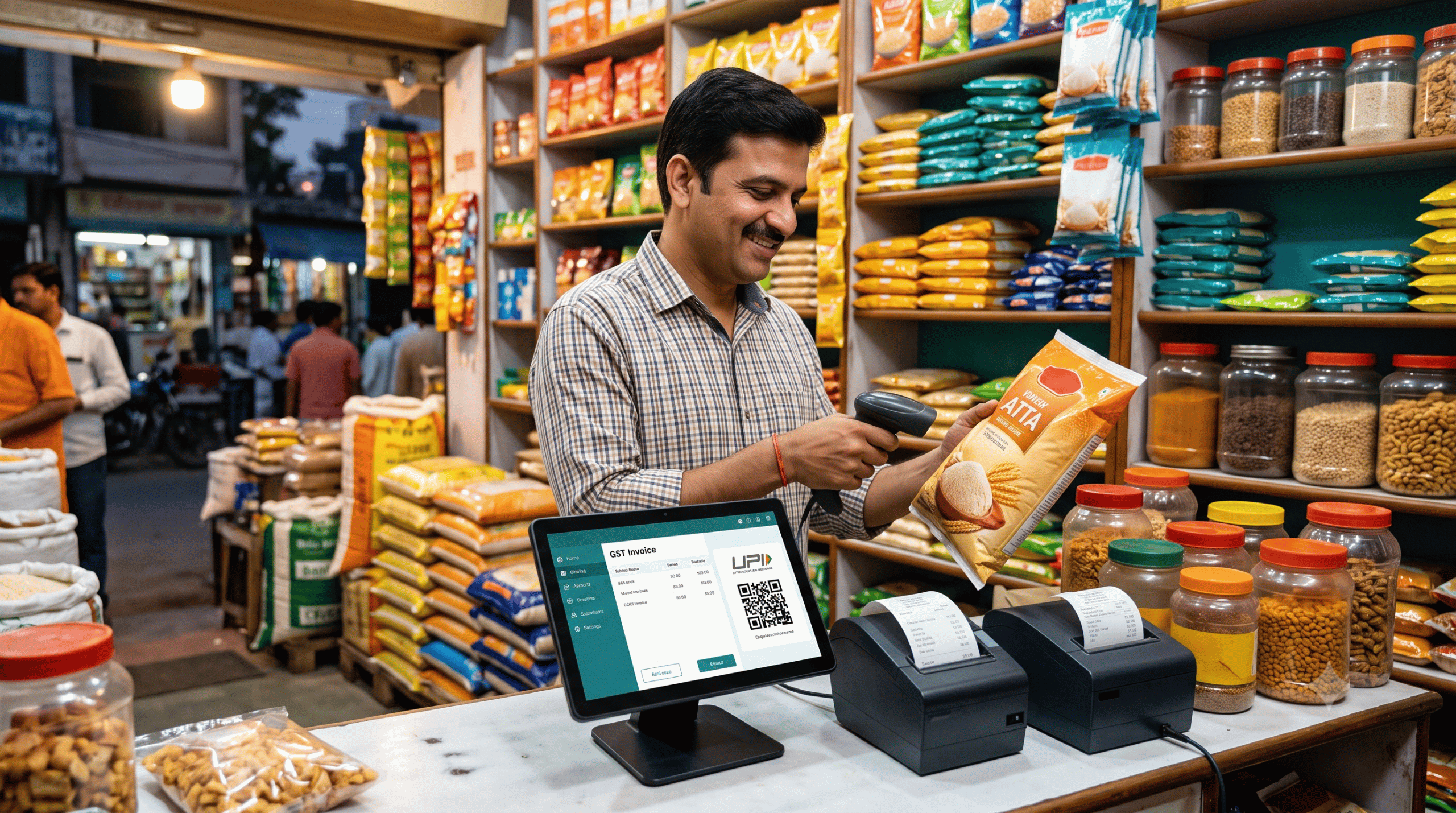
Walk into any busy kirana store at 7 PM. One customer wants 750 g of dal, another wants to pay half in UPI and put the rest on khata, and a third is waiting while you hunt for the right GST rate on a packet of butter. The shop is full, and every extra second at the counter costs you a sale.
A good POS (point-of-sale) system should end that chaos. But most POS software is built for malls and restaurants, not for the way a kirana actually works. Here’s how to pick one that fits.
Why a kirana store isn’t a “normal” retail store
Western-style POS tools assume fixed prices, fixed packs and instant card payments. Your store runs differently:
- Loose items are sold by weight, like 1.25 kg of sugar or 0.5 kg of jaggery.
- Udhaar (khata) is a core part of the business, not an exception.
- UPI is the default payment, often mixed with cash.
- Mixed GST rates apply on the same bill: 0% on salt, 5% on atta, 12% on butter.
- Power cuts and weak internet are routine.
If a POS can’t handle all five, it will cost you time instead of saving it.
7 features to check before you buy
1. Fast barcode billing
Most packaged goods carry barcodes, so scanning should add an item instantly. Test it with a real scanner and a long bill. If the screen lags with 30 items in the cart, walk away.
2. Decimal quantities for loose items
Make sure you can enter quantities like 0.250 or 1.75 kg and set a rate per kg. This is non-negotiable for dal, rice, sugar, spices and vegetables.
3. Automatic GST with HSN codes
Manual tax math is where errors creep in. Your POS should keep an HSN directory, split CGST and SGST for in-state sales, apply IGST for inter-state sales, and support B2B invoices with a customer GSTIN. Ask whether it produces reports your CA can use directly at filing time.
4. Built-in digital khata
A separate notebook or app for credit is a leak waiting to happen. The best setup lets you tap “Khata” at payment, see each customer’s balance, and record repayments at the same counter.
5. Offline billing
If billing stops when the router does, you lose sales. Look for software that keeps working offline and syncs later.
6. Expiry and low-stock alerts
Biscuits, dairy, packaged snacks and OTC products all expire. An alert at the billing screen is cheaper than a return to the distributor. Low-stock alerts also help you reorder before a shelf goes empty.
7. Works with the hardware you already own
Many shopkeepers overspend on “all-in-one” terminals. Check whether the software works with a standard thermal printer (2″ or 3″), a basic USB or Bluetooth barcode scanner, and your existing phone, tablet or PC. If it needs proprietary hardware, factor that cost in.
The hidden costs most people forget
When comparing options, look past the headline price:
- Annual maintenance charges (AMC) on desktop software can add up year after year.
- Add-on modules, such as paying extra for mobile billing or GST reports.
- Setup and training fees, because some vendors send a technician for days.
- Hardware lock-in, which makes switching later expensive.
Ask for the total cost over three years, not just year one.
A quick comparison of POS types
| Type | Best for | Watch out for |
|---|---|---|
| Paper register / Excel | Very small shops starting out | Errors, no GST automation, no backup |
| Legacy desktop software | Shops already used to it | AMC fees, single-PC dependency, risk of data loss |
| Cloud POS (mobile + desktop) | Most growing kirana stores | Needs a good offline mode |
For most kirana stores today, a cloud-based POS with offline support hits the best balance of cost, speed and safety.
One option worth trying: Sanchix POS
If you want a practical example of a POS built around these needs, Sanchix POS is a GST-ready billing system aimed at Indian kirana and retail stores. It covers barcode billing, loose-item sales by weight, a customer khata ledger, expiry alerts, GST/HSN reports and offline billing, and it works with standard thermal printers and barcode scanners. It also offers a free trial, so you can test it on your own counter before paying anything.
Whatever you choose, run a trial with your real products first. Scan your top 50 items, bill a few loose-weight sales, try a split UPI and khata payment, and pull a GST report. If it feels smooth on a busy evening, it will feel smooth every day.
A simple 5-step way to decide
- List your must-haves: loose items, khata, GST, offline mode.
- Shortlist 2 or 3 options and avoid ones that lock you into hardware.
- Start free trials and run them side by side.
- Let your staff test it, since the person at the counter knows what’s slow.
- Check the 3-year cost, including AMC and add-ons.
Final thoughts
The best POS for a kirana store is not the one with the longest feature list. It’s the one that bills fast, handles khata and loose items naturally, keeps GST clean, and keeps working when the internet doesn’t. Choose for your counter and your customers, test before you commit, and the software will quietly pay for itself in saved time, fewer errors and fewer lost sales.
FAQ
Is a POS really necessary for a small kirana store?
If you do GST billing, sell on credit or stock many SKUs, yes. It reduces errors and gives you real stock and sales numbers.
Can I use my existing phone or PC as a POS?
With a modern cloud POS, usually yes. Check device support before you buy.
Do I need internet all the time?
Not if the POS has offline billing. It should sync once you’re reconnected.
How do I move from my paper khata to a digital one?
Enter each customer’s opening balance once, then record every new credit sale and repayment in the POS.

Founder and Principal Software Architect at Sigma Rocks, specializing in Laravel, Next.js, WordPress, Flutter, cloud infrastructure and scalable web applications.